
Penguin Colony Beginner Guide: Tips for Your First Run
Use this Penguin Colony beginner guide to learn movement, penguin abilities, exploration, autosaves, and launch fixes before heading into Antarctic horror.
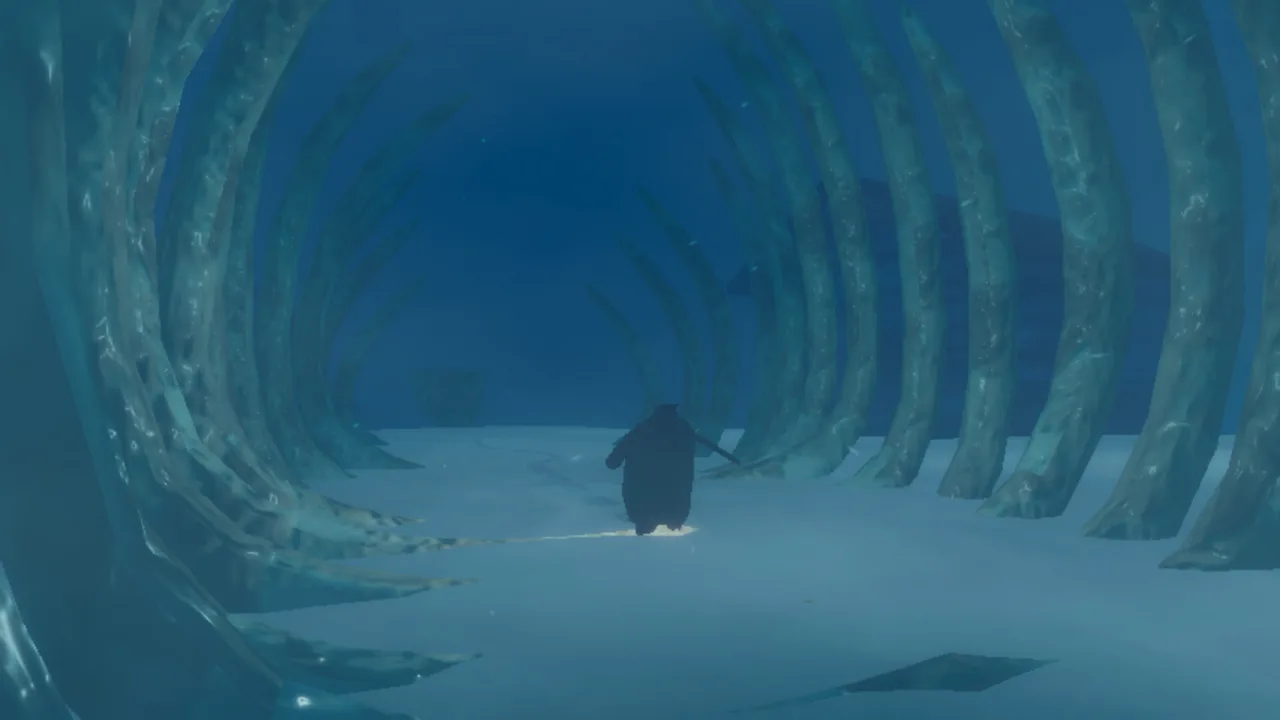
Start Here: Get Comfortable Before Exploring
Antarctica is unsettling enough without getting your penguin stuck on the way to the next discovery. This Penguin Colony beginner guide helps you understand movement, species abilities, and navigation so those obstacles take less attention away from the story. Use this Penguin Colony beginner guide to prepare for your opening session while keeping the mystery intact.
Penguin Colony combines Antarctic exploration with cosmic horror. You spend much of the experience waddling, sliding, and swimming through environments where disturbing human events unfold around you. Its minimalist HUD and unusual perspective make paying attention especially useful.
Before settling in, keep these basics in mind:
| Getting-started question | What to know |
|---|---|
| How long is a first playthrough? | Approximately 2–4 hours, depending on exploration |
| How does saving work? | The game autosaves when various actions occur |
| Does demo progress transfer? | Yes, demo saves carry over |
| How many Steam achievements are there? | 16 |
1. Make room for the horror
The penguins are charming, but the content includes blood, gore, sudden violent deaths, self-harm, suicide, and Nazi imagery. Consider those elements before choosing this for a relaxed evening or playing around younger viewers.
The story also draws on Māori cultural influences and includes the Kaitiaki, a faction opposed to the Nazi expedition. Pay attention to the human conflict alongside the supernatural mystery; both belong to the game's premise.
2. Check your display and controls
Open the visual settings before heading out. At launch, the game does not automatically match its resolution to your monitor, so set that manually.
Then familiarize yourself with the control layout. Establish which inputs handle movement and the actions introduced during the opening before tackling awkward terrain. Learning them while stationary saves frustration when the landscape becomes harder to read.
Official page: Penguin Colony (store.steampowered.com)
Movement Tips and Penguin Abilities
Movement deserves your attention early. Sliding across open snow and navigating a cramped rocky passage ask different things of you, and repeated attempts become frustrating when you keep using the same approach.
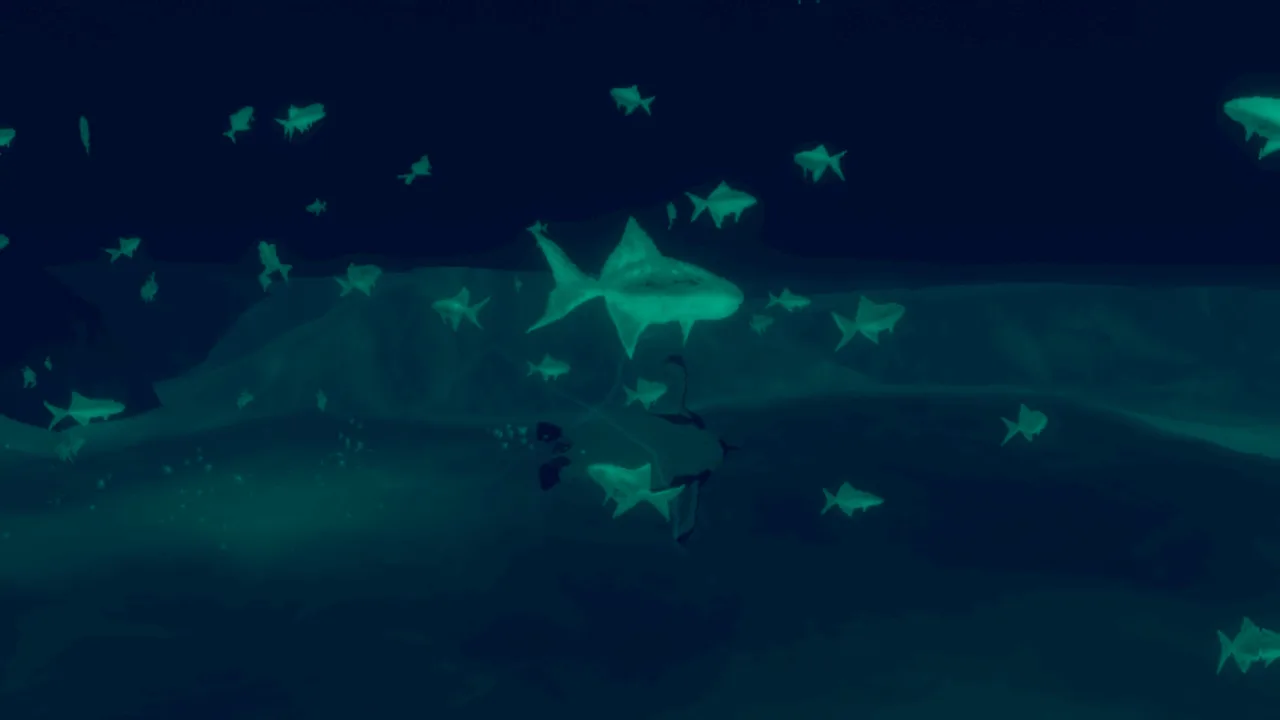 Image: Steam / ORIGAME DIGITAL
This Penguin Colony beginner guide emphasizes matching your penguin to the obstacle. Species differences affect exploration, so a blocked passage can be a prompt to reconsider your current penguin.
3. Practice before attempting precise routes
Use open terrain to get comfortable with waddling, sliding, and changing direction. Slow down before narrow crossings, particularly if repeated falls are sending you back over ground you already covered.
When a surface becomes awkward, change your approach. Try walking through a troublesome section instead of repeating a slide that keeps catching on geometry. Watch where your penguin actually lands rather than judging the attempt entirely by the camera.
Keep these species differences in mind:
| Penguin | Relevant ability or limitation | Action to take |
|---|---|---|
| Gentoo | Strong swimming ability | Consider it when exploring water routes |
| Rockhopper | High jumps associated with nearby rocks | Look for rocky terrain when planning a climb |
| Penguin chick | Fits through narrow gaps but cannot swim | Explore small openings and avoid water crossings |
4. Read the current penguin's description
Follow this Penguin Colony beginner guide tip: check the pause menu when you change penguins. Their descriptions help you understand abilities, including a specialized squawk that resonates in particular locations.
Do not assume every penguin has the same reach, size, or movement options. If an interaction tells you that you are too large or too light, use that message to guide your next choice.
Avoid repeatedly testing an obstacle after the game has already identified the mismatch. Make a mental note of the location and look for a penguin whose traits address the problem.
5. Recheck your penguin after a death
Respawning can place you in a nearby penguin rather than the species you were controlling beforehand. Before repeating your previous route, check what you are now controlling.
This matters around water and species-dependent passages. A route that suited your previous penguin can become a poor choice after respawning as a chick. Pause long enough to reassess instead of immediately repeating the same movement.
Explore Without Turning Every Detour Into Backtracking
The Antarctic environments can be disorienting, especially when visibility is poor. Navigation cues help, but keeping track of recognizable terrain gives you another way to understand where you are going.
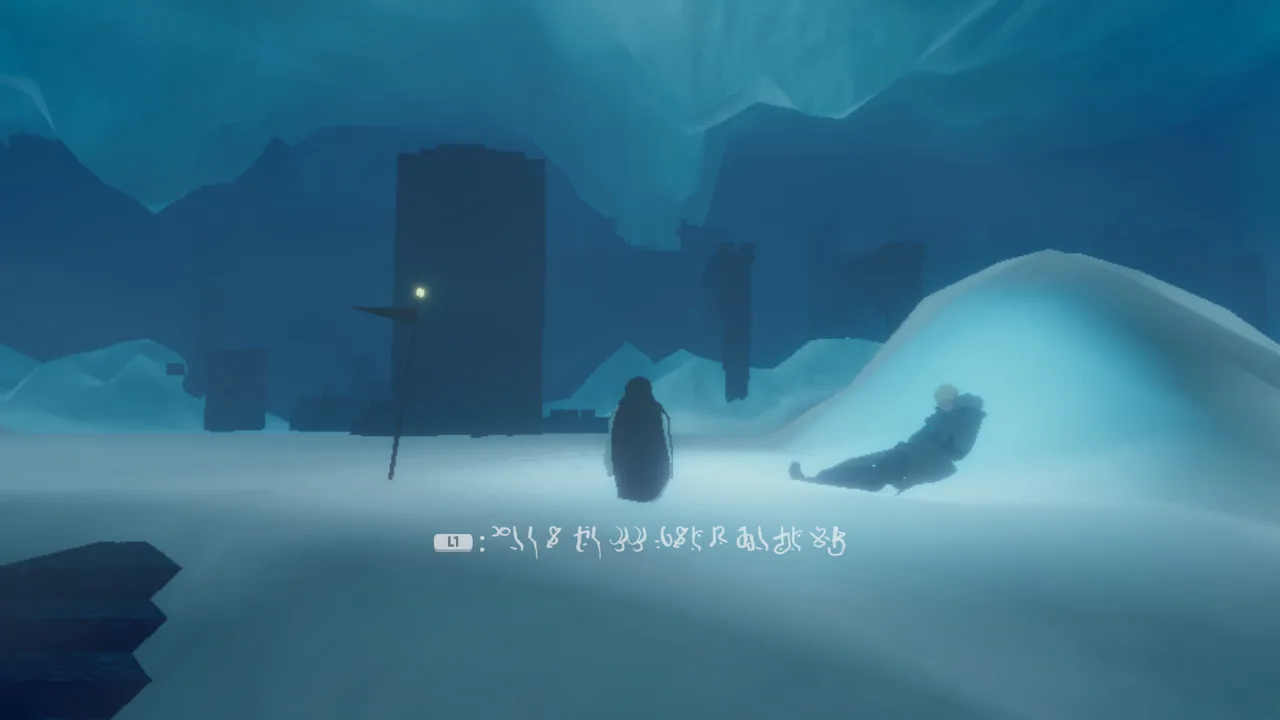 Image: Steam / ORIGAME DIGITAL
The exploration advice in this Penguin Colony beginner guide centers on a simple habit: identify what stopped you before leaving the area.
6. Separate navigation problems from ability problems
When you reach an obstacle, read any accompanying message before deciding you missed a route. Size restrictions and weight requirements point toward a penguin choice; repeated missed jumps call for closer attention to the terrain.
| What stops you | What to try next |
|---|---|
| A message says your penguin is too large | Return with a smaller penguin |
| A pressure plate rejects your weight | Look for a heavier penguin |
| A rocky climb defeats your current jumps | Consider a rockhopper |
| Repeated attempts at the ravine bridge fail | Check the ice around the right side |
| A location suggests a resonant squawk | Check the penguin description and nearby visual cues |
At the ravine bridge, the ice on the right provides an alternative route around the crossing. The platform beyond the bridge connects back behind the wall. Look for that connection if the bridge gaps are stopping your progress.
7. Use landmarks alongside directional cues
Pay attention to wind and objective highlights, but also notice distinctive bridges, walls, openings, and changes in elevation. Before following a detour, turn around and look at the route you will need to recognize on the way back.
If you begin circling, stop moving briefly. Identify the last place you recognize, then choose a direction deliberately. Running onward while unsure can make retracing your steps harder.
Before leaving an interesting location, ask yourself:
- Did an interaction mention a specific physical limitation?
- Is there a narrow opening worth revisiting?
- Which visible landmark marks the return route?
- Have I checked the current penguin's description?
8. Give unusual places a closer look
Some squawk interactions involve a particular penguin type and locations away from the main path. Read the ability description and watch for visual cues rather than honking at every wall.
Let the narration finish when you discover something important. The story unfolds through fragments, and listening while immediately rushing toward another landmark can make those connections harder to follow.
You do not need to understand every strange event immediately. Keep exploring and allow later discoveries to add context.
Autosaves, Collected Words, and Session Planning
Saving happens automatically when various actions occur. You do not need to manage manual saves during ordinary play, and demo progress carries into the full game.
 Image: Steam / ORIGAME DIGITAL
Keep that distinction clear: automatic saving handles progress, but it does not make quitting at an arbitrary moment a useful substitute for understanding your surroundings.
9. Recognize words you have already collected
Collected words remain collected when you replay a level. Their orbs become smaller to indicate that you already picked them up.
Use that visual change when revisiting an area. It helps distinguish a familiar discovery from something you still need to investigate, especially when the surrounding terrain looks similar.
When planning exploration with this Penguin Colony beginner guide, allow extra time for returning to species-dependent interactions. A first playthrough takes approximately 2–4 hours, with your approach to exploration affecting that duration.
Resist turning the opening session into a rush for all 16 achievements. Learn how movement and penguin abilities work, then use that understanding when pursuing optional discoveries.
10. Keep useful details when something breaks
If a technical issue interrupts your session, note the build number at the bottom left of the main menu. Record what happened immediately beforehand and capture a screenshot or video when possible.
For Windows support requests, the save folder is:
%USERPROFILE%/AppData/LocalLow/ORIGAME DIGITAL/Penguin Colony
A useful report describes the action, location, and outcome clearly. “The game crashed after entering this area” gives more direction than “the game is broken.” Include the build number so the problem is tied to the version you played.
Launch Issues and Mistakes to Avoid
Technical problems can resemble confusing mechanics, particularly when control prompts or interface elements behave incorrectly. Keep these launch issues in mind before assuming you misunderstood an instruction.
This Penguin Colony beginner guide separates those issues from ordinary exploration decisions so you can choose an appropriate next step.
| Issue | Relevant detail | Action |
|---|---|---|
| Resolution does not match the monitor | Known launch issue | Set the resolution manually in visual settings |
| Keyboard and controller layouts appear together | Known launch issue | Check the control layout before attempting unfamiliar actions |
| Stamina circle remains visible | Encountered in v1.5 | Try switching penguins |
| Intro credits repeat on startup | Skip inputs are Space or the controller's bottom A button | Try the skip input; hold it if necessary |
11. Check prompts before repeatedly reconnecting a controller
Version 1.5 can display keyboard prompts while you are using a controller. During the opening red-light tutorial, the Xbox controller input for staring is the right bumper.
If that tutorial is where you are stuck, try the relevant input before repeatedly disconnecting your controller. When describing a prompt problem, include which controller you used and whether keyboard and controller layouts appeared together.
After restarting following a crash, recheck any customized key bindings before resuming difficult movement. Losing track of an input change can make the next attempt unnecessarily confusing.
12. Look around before repeating a failed jump
Repeated failure is a reason to inspect the surroundings. At the ravine bridge, the alternate ice route gives you another way forward. At a species-dependent obstacle, changing penguins addresses a different problem.
Identify which situation you are facing. Read the interaction message, examine nearby terrain, and check your penguin's traits before committing to another attempt.
For optional discoveries, explore beyond the direct route when you feel comfortable navigating back. The combination of species abilities, smaller passages, and unusual interactions gives you reasons to revisit places without needing to spoil the story in advance.
FAQ
How long does Penguin Colony take to beat?
A first playthrough takes approximately 2–4 hours, depending on how much you explore. Allow time for detours if you want to investigate species-dependent passages and optional discoveries while using this Penguin Colony beginner guide.
Does Penguin Colony save automatically?
Yes. The game autosaves when various actions occur, so you do not need to manage manual saves. Collected words also remain collected when replaying a level, with smaller orbs marking previous pickups.
Does Penguin Colony demo progress carry over?
Yes. Your demo save carries into the full game. You can continue that progress rather than beginning again solely because you started with the demo.
Do you need to read At the Mountains of Madness first?
No. Familiarity with Lovecraft's story helps you recognize references, but it is not required. Penguin Colony adapts its influences rather than simply repeating the original story, so you can approach the Antarctic mystery without advance reading.
Continue with
 Penguin Colony Controls: Movement and Controller HelpLearn Penguin Colony controls for movement, staring, and squawking, plus how penguin abilities work and what to do when controller prompts overlap on PC.
More in Guide
Penguin Colony How Long to Beat: Playtime Explained
Penguin Colony how long to beat: plan for a 2–4 hour first playthrough, explore at your pace, and learn how saves and Deluxe Edition extras fit your time.

Penguin Colony Saving: Autosaves, Backups, and Fixes
Penguin Colony saving explained: learn how autosaves work, find your Windows save folder, back up your progress, and prepare crash reports for support.

Penguin Colony Walkthrough: Routes, Puzzles, and Tips
Use this Penguin Colony walkthrough to tackle the ravine, choose penguins for obstacles, track your collectibles, and handle launch progression problems.
Join the community
Official channels for news, updates and player help: