
Penguin Colony Controls: Movement and Controller Help
Learn Penguin Colony controls for movement, staring, and squawking, plus how penguin abilities work and what to do when controller prompts overlap on PC.
Jump to

Penguin Colony Controls: Where to Start
Penguin Colony controls put waddling, belly-sliding, and swimming at the center of an Antarctic horror story. Getting comfortable with movement matters when your route crosses uneven terrain or leads to a passage that requires a particular penguin. Start learning Penguin Colony controls in the pause menu; on an Xbox controller in PC build v1.5, the right bumper activates the opening stare action.
Your immediate priority is understanding the actions available to your current penguin. Movement carries you through the environments, while actions such as staring and squawking give you other ways to engage with what you encounter.
| Action | What it does |
|---|---|
| Waddle | Moves your penguin around on land |
| Slide | Sends your penguin traveling on its belly |
| Swim | Lets a swimming-capable penguin travel through water |
| Stare | Is used while looking at the red light during the opening tutorial |
| Squawk | Produces a penguin call; a particular penguin type has a resonating call |
Open the pause menu and read your penguin's description alongside the control layout. The description matters because different penguins have different abilities. Knowing the movement input alone will not explain why one penguin can use a route that another cannot.
The opening tutorial also deserves your attention. In PC build v1.5, keyboard prompts could appear even while an Xbox controller was connected. If you reach the red-light tutorial with that mismatch, use the right bumper for stare. That gives you a specific action to try instead of pressing unrelated buttons.
Keep that version context in mind throughout this guide. The controller-prompt problems discussed here apply to the launch-era PC build, including v1.5.
Official page: Penguin Colony (store.steampowered.com)
Learn Waddling, Sliding, and Swimming Separately
Penguin Colony controls revolve around traversal, but the environments ask you to do more than move continuously toward the next landmark. Ice, rocks, narrow routes, and water all make your choice of movement—and penguin—matter.
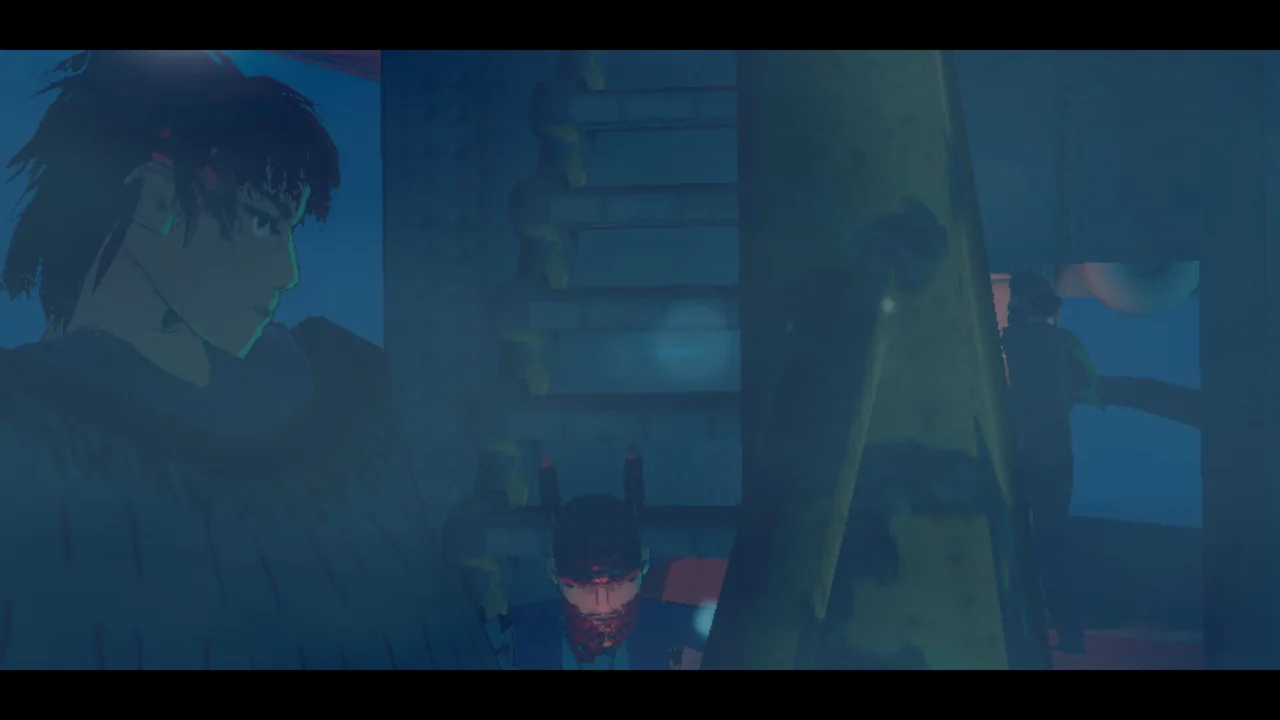 Image: Steam / ORIGAME DIGITAL
Practice each movement action separately before combining them during exploration. Give yourself room to recognize what the penguin is doing rather than trying to learn every action while negotiating a difficult crossing.
Waddling and Belly-Sliding
Use waddling to inspect a route before committing to a slide. This is particularly useful around unfamiliar edges, cramped geometry, or a passage you want to examine.
Sliding is a central part of the game's penguin movement. It also sits alongside platforming and exploration, so avoid assuming every stretch of terrain will feel like an open snowfield. Launch-era movement problems included getting caught on geometry and awkward traversal over uneven surfaces.
When an approach repeatedly goes wrong, change the approach:
- Inspect the ground around the obstacle.
- Check whether the passage depends on your penguin's size or ability.
- Try a different visible route instead of repeating the same collision.
- Separate a movement problem from a mismatched button prompt.
These checks help you decide what to adjust. A penguin that is too large for a hole needs a different solution from a controller showing keyboard instructions.
Swimming and Water Routes
Swimming ability differs between penguins. Gentoo penguins have a swimming specialty, while chicks cannot swim.
Check which penguin you control before entering water, especially after a death. Respawning can place you in a different penguin, so the route you were using moments earlier may no longer suit your current character.
Water also deserves caution beyond swimming ability: poisonous water appears in the game. Do not assume that every accessible pool is a safe shortcut.
Learning Penguin Colony controls therefore includes learning when to reassess your surroundings. Before continuing after a setback, identify your penguin and look at the terrain immediately around it.
Match Your Penguin to the Obstacle
A difficult route is not always asking for better timing. Penguin Colony includes different penguin abilities, and some obstacles respond to physical characteristics such as size or weight.
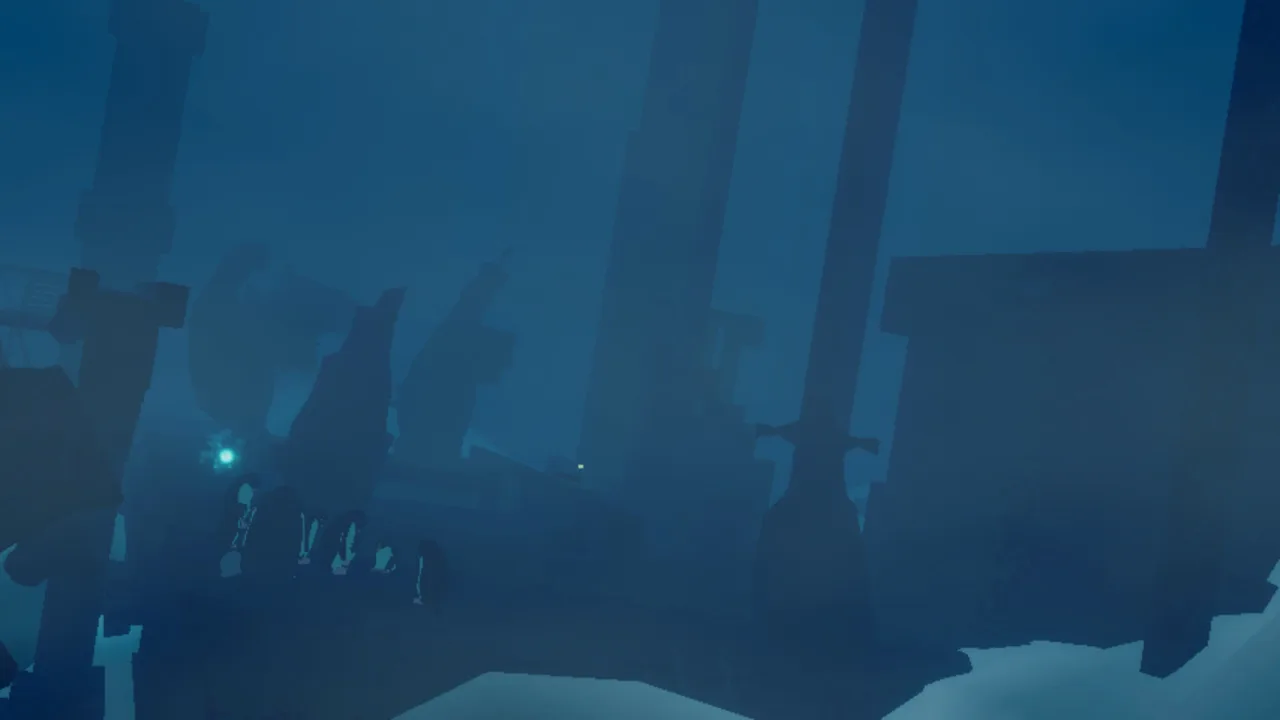 Image: Steam / ORIGAME DIGITAL
Read the pause-menu description whenever you take control of an unfamiliar penguin. It can explain a limitation that otherwise looks like an unresponsive action.
| Penguin type | Relevant ability or limitation |
|---|---|
| Gentoo | Has a swimming specialty |
| Rockhopper | Can perform high jumps near rocks |
| Chick | Can enter narrow spaces but cannot swim |
Rockhopper jumping has an important environmental condition: the high jump works near rocks. If you are trying to reproduce that jump elsewhere, repeatedly pressing the input misses the reason it worked before.
Move back toward the relevant terrain and reassess the attempt. Treat the nearby rocks as part of the ability, rather than assuming the same jump is available everywhere.
Small passages create a different problem. A chick can fit into spaces that larger penguins cannot. When the game tells you that your penguin is too large, look for a suitable smaller penguin instead of trying to force the same character through the opening.
Pressure plates can also reject a penguin for being too light. Pay attention to that feedback: it points toward a weight requirement rather than a missing interaction input.
Recheck Your Penguin After Respawning
Penguin Colony controls can feel inconsistent if you overlook a change of character. After death, you can respawn as the nearest penguin instead of the same penguin you were controlling.
Before attempting the route again, check:
- Whether your new penguin can swim.
- Whether it can fit through the passage ahead.
- Whether the obstacle involves jumping near rocks.
- Whether an on-screen message identifies a size or weight problem.
This is especially important when respawning near water. A route that was possible with a swimming penguin can become dangerous when you return as a chick.
Give Squawking a Purpose
Squawking has a use beyond making penguin noises. A particular penguin type has a resonating call, and the relevant locations are away from the main route.
Read the penguin descriptions and watch for the associated visual cue while exploring. If you want to investigate the call's purpose, explore side areas rather than repeatedly squawking along the main path.
Fix Confusing Keyboard and Controller Prompts
The pause menu is useful for checking Penguin Colony controls, but the launch build had a display problem: keyboard and controller layouts could appear simultaneously.
 Image: Steam / ORIGAME DIGITAL
That overlap can make a simple action unnecessarily confusing. Distinguish the displayed instructions from the action your connected device actually performs.
| Launch-era interface issue | How it appears |
|---|---|
| Overlapping pause-menu layouts | Keyboard and controller diagrams appear together |
| Xbox tutorial prompt mismatch in v1.5 | The opening tutorial displays keyboard controls while using an Xbox controller |
| Persistent stamina display in v1.5 | The stamina circle remains visible instead of fading |
For the opening Xbox tutorial, the practical detail is straightforward: right bumper activates stare. In the v1.5 case involving the red light, completing that action also changed the displayed layout to Xbox controls.
Reconnecting a wired controller repeatedly did not resolve that particular tutorial mismatch. Focus on the required action instead of assuming the cable is the problem.
Outside that opening sequence, use the pause-menu layout to orient yourself, then test the action somewhere away from a difficult crossing. Keep the test focused: try one action, observe what happens, and then move to the next.
Custom Keybinds After a Crash
Custom keyboard bindings could reset following a crash in the launch version. If your controls suddenly feel different after restarting, inspect your assignments before continuing.
Check the actions you changed rather than immediately remapping everything. A reset binding and a terrain collision require different fixes, even when both initially feel like the game is ignoring an input.
If an assigned action fails, switch away from the relevant activity and return to it before testing again. Launch-era input behavior included actions responding after that change of state.
A Stamina Circle That Stays Visible
In v1.5, the stamina circle could remain on-screen instead of fading. Switching to another penguin restored fading in one affected situation.
Try changing penguins if you encounter that specific display problem. Then check whether the circle fades again. Keep the distinction clear: this addresses the persistent display, while your penguin's movement abilities remain a separate consideration.
Troubleshoot Movement Problems and Protect Your Progress
When Penguin Colony controls seem to stop cooperating, begin with the immediate context. Check your penguin, the terrain, and the action you are attempting before changing settings.
Launch-era problems included getting stuck in geometry, leaving the playable map, and crashes. Those issues can interrupt traversal even when you understand the controls.
Use this troubleshooting order:
- Read the on-screen feedback. A size or weight message identifies an ability requirement.
- Check the active penguin. Death can change which penguin you control.
- Inspect the immediate route. Look for rocks, narrow openings, water, or obstructing geometry.
- Review your bindings after a crash. Custom assignments could reset.
- Document a repeatable problem. Record the circumstances while they are fresh.
The game saves automatically when various actions occur. You do not need to manage manual saves, but avoid assuming that restarting will return you to the exact spot where a problem happened.
For a repeatable bug, collect details that distinguish it from ordinary traversal difficulty.
| Detail | What to include |
|---|---|
| Build number | The version shown at the bottom left of the main menu |
| What happened | The action attempted and the resulting behavior |
| Visual evidence | Screenshots or a recording showing the problem |
| Save folder | %USERPROFILE%/AppData/LocalLow/ORIGAME DIGITAL/Penguin Colony |
When contacting support, include the build number and a clear description. A zipped copy of the save folder can also help with investigation.
For control problems, mention whether you were using keyboard and mouse or a controller. Include the penguin type and whether the issue followed a death, crash, or change of character. Those details explain much more than simply saying movement feels broken.
Once the immediate problem is resolved, return to the essentials: identify your penguin, read its abilities, and match those abilities to the route ahead.
FAQ
Where can I check Penguin Colony controls?
Open the pause menu to view the control layout. Read your penguin's description there, too, because species abilities affect traversal. The launch build had an issue where keyboard and controller layouts could overlap.
What button makes you stare on an Xbox controller?
On PC build v1.5, the right bumper activates stare during the opening red-light tutorial. That tutorial could display keyboard prompts even while an Xbox controller was connected.
Why does my penguin move differently after I die?
You can respawn as the nearest penguin rather than the same one. Check your new character before continuing: chicks cannot swim, and rockhopper high jumps depend on being near rocks.
Does squawking do anything besides make noise?
Yes. A particular penguin type has a resonating squawk that matters at certain locations. Check the pause-menu description, watch for the visual cue, and explore away from the main route to find those opportunities.
Continue with
 Penguin Colony How Long to Beat: Playtime ExplainedPenguin Colony how long to beat: plan for a 2–4 hour first playthrough, explore at your pace, and learn how saves and Deluxe Edition extras fit your time.
More in Guide

Penguin Colony Beginner Guide: Tips for Your First Run
Use this Penguin Colony beginner guide to learn movement, penguin abilities, exploration, autosaves, and launch fixes before heading into Antarctic horror.
Penguin Colony Saving: Autosaves, Backups, and Fixes
Penguin Colony saving explained: learn how autosaves work, find your Windows save folder, back up your progress, and prepare crash reports for support.

Penguin Colony Walkthrough: Routes, Puzzles, and Tips
Use this Penguin Colony walkthrough to tackle the ravine, choose penguins for obstacles, track your collectibles, and handle launch progression problems.
Join the community
Official channels for news, updates and player help: