
Penguin Colony Walkthrough: Routes, Puzzles, and Tips
Use this Penguin Colony walkthrough to tackle the ravine, choose penguins for obstacles, track your collectibles, and handle launch progression problems.
Jump to
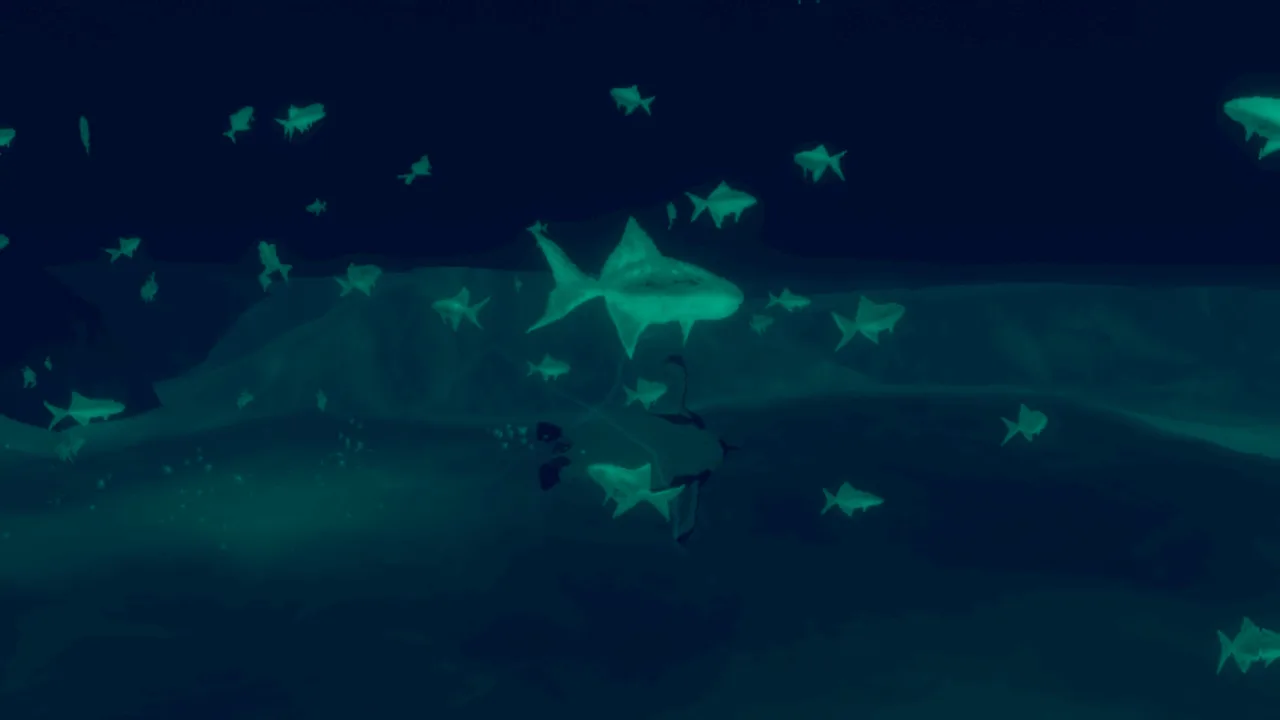
Opening Tutorial: Learn Your Controls
Antarctica gets harder to navigate when your explorer has flippers, so this Penguin Colony walkthrough starts with movement and the obstacles that interrupt it. Understanding your penguin’s abilities helps you avoid unnecessary backtracking through the blizzard. Use this Penguin Colony walkthrough to get through the opening tutorial, bypass the troublesome ravine bridge, explore ability-dependent passages, and keep track of your discoveries without spoiling the story’s revelations.
Penguin Colony combines Antarctic exploration with cosmic horror. You spend much of the adventure sliding, swimming, and waddling through events beyond your penguin’s control. Expect blood, gore, sudden violent deaths, self-harm, suicide, and Nazi imagery beneath the deceptively cute premise.
Complete the opening interaction
- Follow the opening movement instructions and get comfortable with the difference between waddling and sliding.
- When the tutorial asks you to stare at the red light, use the stare control.
- Check the displayed control layout before continuing, especially if you are playing with a controller.
In version 1.5, the opening tutorial can display keyboard instructions while an Xbox controller is connected. The Xbox controller’s right bumper performs the stare action. Use that input if the red-light instruction leaves you stuck with the wrong prompts.
| Opening task | Input or setting | Detail |
|---|---|---|
| Stare during the red-light tutorial | Right bumper on Xbox controller | Relevant to the mismatched prompts in version 1.5 |
| Skip the opening credits | Space bar or the controller’s bottom A button | Try holding the button if a quick press does nothing |
| Match the display to your monitor | Set resolution manually in visual settings | The launch version does not automatically match it |
The pause menu can also display keyboard and controller layouts simultaneously. If the instructions look crowded or contradictory, keep that launch issue in mind before changing your bindings.
Before leaving the tutorial:
- Practice each movement action introduced on screen.
- Locate the pause-menu descriptions of penguin abilities.
- Check that the resolution matches your display.
These opening checks matter throughout the Penguin Colony walkthrough: reading an obstacle correctly is easier when you already understand what your current penguin can do.
Official page: Penguin Colony (store.steampowered.com)
Icefields: Navigate and Match Penguins to Obstacles
Across the open ice, navigation and penguin selection become closely connected. Wind and objective highlights provide direction, but the blizzard can make familiar terrain difficult to recognize. Keep a visible landmark in mind before leaving the main route for a side passage.
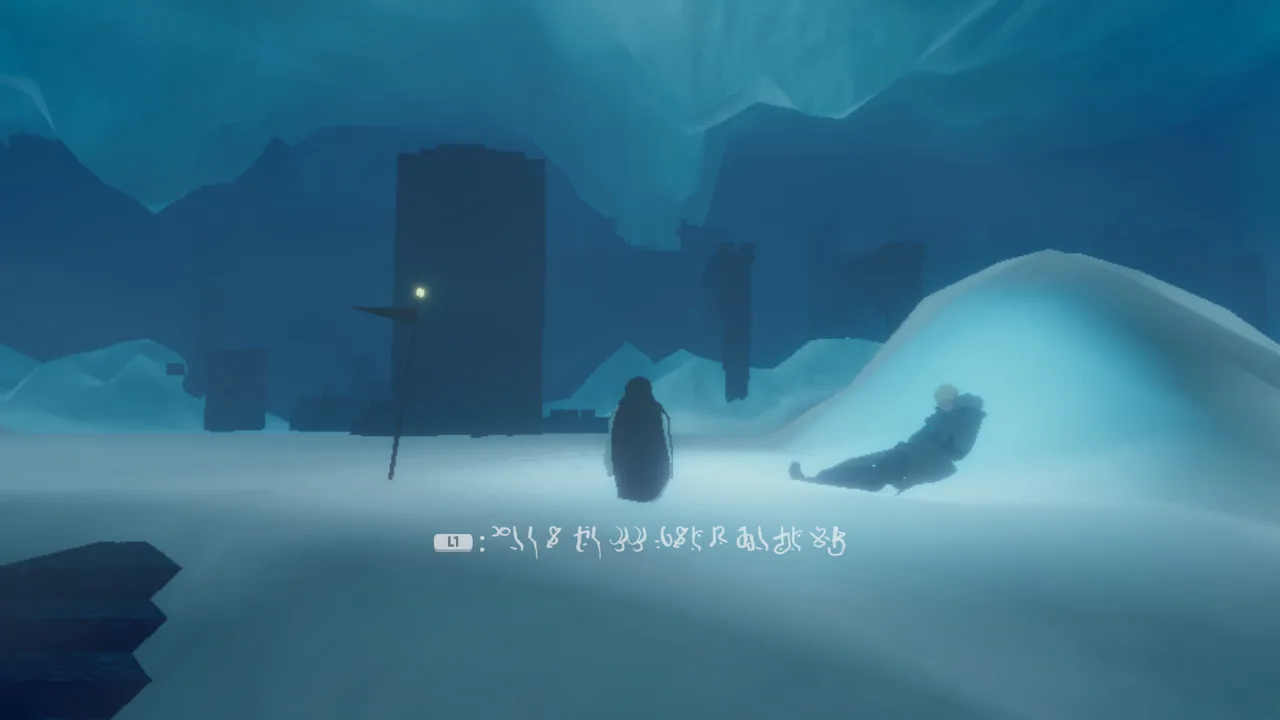 Image: Steam / ORIGAME DIGITAL
Work through an unfamiliar area
- Check the current objective and directional cues.
- Move toward the next recognizable feature rather than wandering across the ice without a reference point.
- Read any message that appears when an interaction fails.
- Check your penguin’s description before repeating the attempt.
- Return with a suitable penguin when the obstacle calls for a different ability.
Messages about size or weight give you something specific to solve. If a passage says you are too large, repeating the approach with the same penguin will not address that restriction. If a pressure plate says you are too light, focus on the weight requirement.
| Obstacle or terrain | Relevant ability or restriction | What to do |
|---|---|---|
| Rocky climbing sections | Rockhoppers have a higher jump near rocks | Position yourself near the rock before attempting the jump |
| Narrow openings | Chicks can enter small gaps | Use a chick when the passage requires a smaller penguin |
| Water | Chicks cannot swim | Avoid taking a chick into a swimming route |
| Weight-sensitive pressure plates | A penguin can be too light to activate them | Return with a heavier penguin |
Rockhopper jumping has an important limitation: the enhanced jump depends on nearby rocks. Keep that in mind when a jump feels different from one position to another. Reposition before committing to another attempt.
For this Penguin Colony walkthrough, treat the obstacle message as your starting point. Size, weight, and terrain requirements give you more useful direction than repeatedly trying to force the same movement.
Check your penguin after a respawn
Death can return you as the nearest penguin rather than the species you were controlling beforehand. Look at your character before immediately repeating the route.
That matters especially around water. A swimming approach that worked with your previous penguin can become a problem if you return as a chick. Recheck the ability description whenever the new body changes your options.
Before leaving an icefield:
- Note any passage blocked by size.
- Remember pressure plates that need more weight.
- Keep track of the return route before switching penguins.
Ravine Crossing: Take the Route Around the Bridge
The broken bridge is a particularly frustrating obstacle if you keep falling between its gaps. There is a route around it: climb along the ice on the right side, where the platform across the ravine reconnects with your side behind the wall.
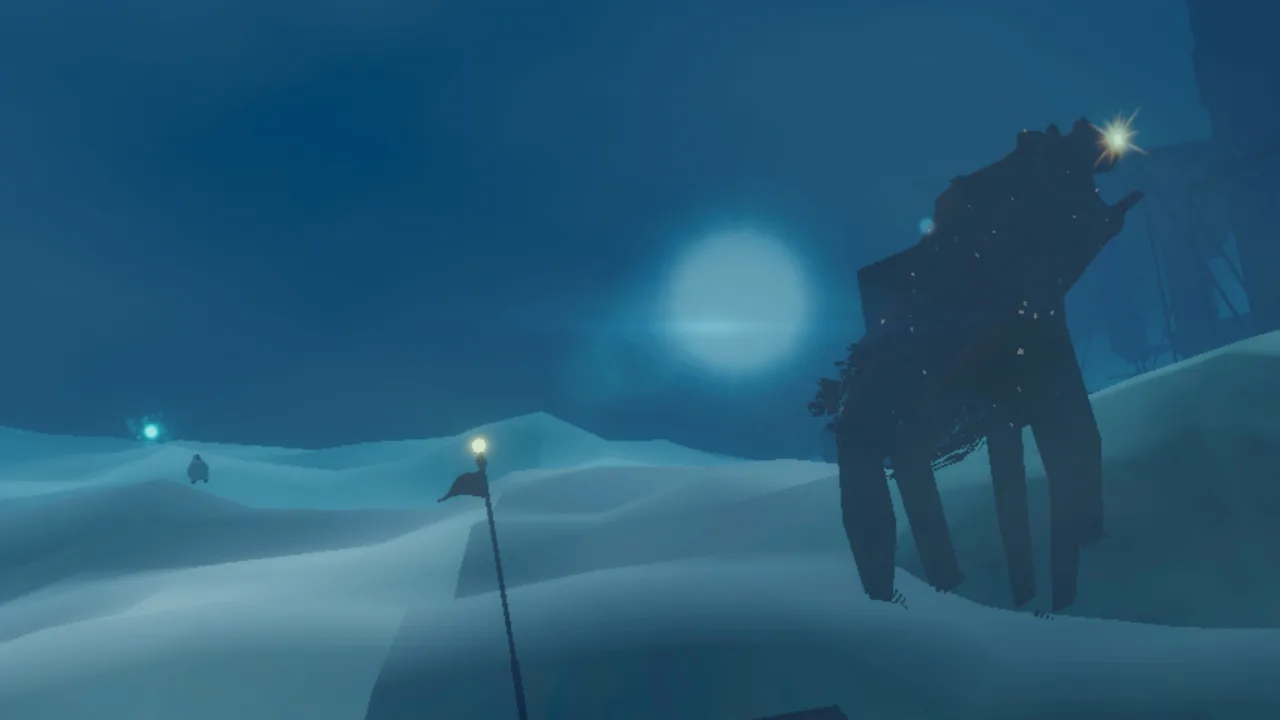 Image: Steam / ORIGAME DIGITAL
Bypass the bridge gaps
- Approach the ravine and identify the broken bridge.
- Look to the right for the ice beside the crossing.
- Climb around that side instead of continuing across the gaps.
- Follow the connection behind the wall to reach the platform beyond the bridge.
| Part of the crossing | Direction | Goal |
|---|---|---|
| Broken bridge | Look right | Find the ice route |
| Ice beside the ravine | Climb around the right side | Bypass the bridge gaps |
| Connection behind the wall | Follow the connected platform | Reach the far side |
Use this Penguin Colony walkthrough shortcut if the bridge keeps stopping your progress. The route changes the crossing from repeated gap attempts into a climb around the surrounding terrain.
If you continue trying the bridge with a rockhopper, remember that its higher jump works near rocks. Do not assume every takeoff point gives you the same reach. Check your position before launching, particularly after a fall has returned you as another penguin.
Once across, take a moment to orient yourself before continuing. Remembering where the alternate route reconnects will help if you decide to return.
Before moving on:
- Identify the right-side route from the far platform.
- Check which penguin you currently control.
- Keep your next objective in view as you leave the crossing.
Narrow Passages and Hidden Routes: Explore by Ability
Side exploration rewards attention to the penguin you are controlling. Small openings, weight requirements, and specialized calls give you reasons to revisit places that initially seem inaccessible.
 Image: Steam / ORIGAME DIGITAL
Use these checks whenever you encounter a branching route. You do not need to postpone every optional passage until the end, but avoid losing your bearings while searching for a particular penguin.
Investigate a blocked passage
- Read the interaction message.
- Check your current penguin’s pause-menu description.
- Match the stated restriction to size, weight, or a specialized ability.
- Remember the location before leaving to switch penguins.
- Return and try the interaction with the appropriate ability.
A narrow opening and a pressure plate ask different questions. The former checks whether you fit; the latter can require more weight. Keep those requirements separate when planning a return trip.
Use squawks at relevant locations
Penguin calls have a use beyond making noise. A specific penguin type has a resonating squawk, and the relevant locations are rare and away from the main path.
Read the pause-menu description and watch for the corresponding visual cue. Explore beyond the direct objective route when searching for places where that ability applies.
Keep this Penguin Colony walkthrough principle in mind: match the location to the ability description. Calling everywhere with every penguin adds repetition without helping you identify the intended interaction.
Track collected words
Collected words remain collected when you revisit a level. Their orbs become smaller to show that you have already picked them up.
Use that visual change to distinguish an old discovery from something you still need to collect. When revisiting familiar terrain, check the orb’s appearance before spending time reaching it again.
Before abandoning a side route:
- Check nearby word orbs.
- Note openings that require a smaller penguin.
- Remember weight-restricted interactions.
- Watch for visual cues associated with resonating calls.
Final Area: Stay Oriented and Review Your Findings
In the final level, the wind guidance is disabled. Navigation therefore needs more deliberate attention than simply following that directional aid.
Work through the final area
- Choose a recognizable feature before leaving your current position.
- Follow a route you can describe back to yourself.
- Remember which branches you have already explored.
- Check your current penguin before attempting another ability-dependent route.
- Review the findings board at the end of the game.
The end-game board recaps your discoveries. Use it to reflect on what you found and what you want to look for during another run.
A first playthrough takes approximately two to four hours, depending on exploration. Leave yourself room to investigate side routes rather than treating that range as a deadline.
Handle launch-version interruptions
Keep this Penguin Colony walkthrough recovery checklist nearby if a technical issue interrupts progress. These issues apply to the launch version, with specific version 1.5 cases identified below.
| Issue | Action |
|---|---|
| Resolution does not match your monitor | Select the matching resolution manually in visual settings |
| Keyboard and controller layouts overlap | Check the displayed instructions against your active input method |
| Stamina circle stays visible in version 1.5 | Try switching to another penguin |
| “Apotheosis” cutscene stalls in version 1.5 | Return to the main menu and reload |
For the version 1.5 “Apotheosis” stall, reloading from the main menu restored progression after a failed attempt to skip the scene. Use the reload approach if that specific interruption occurs.
For a persistent crash or progression blocker, record the build number from the main menu’s bottom-left corner. Include what happened, screenshots or footage, and a zipped copy of the save folder when contacting support@fellowtraveller.games.
On Windows, the save folder is:
%USERPROFILE%/AppData/LocalLow/ORIGAME DIGITAL/Penguin Colony
Keep the build number with your description so support can identify the version involved.
FAQ
How long does a Penguin Colony walkthrough take?
Expect approximately two to four hours for a first playthrough. Exploration affects that estimate, especially when you revisit passages with different penguins or search for additional words.
Does demo progress carry into the full game?
Yes. Your demo save carries over to the full game, allowing you to continue from that progress.
How does saving work?
Penguin Colony saves automatically when various actions occur. Collected words also remain collected when revisiting levels, with smaller orbs marking previous pickups.
Do you need to read At the Mountains of Madness first?
No. Penguin Colony adapts the story rather than following it as a straight retelling. Familiarity with Lovecraft adds recognizable references, but you can play without reading the novella beforehand.
Continue with
 Penguin Colony Beginner Guide: Tips for Your First RunUse this Penguin Colony beginner guide to learn movement, penguin abilities, exploration, autosaves, and launch fixes before heading into Antarctic horror.
More in Guide

Penguin Colony Controls: Movement and Controller Help
Learn Penguin Colony controls for movement, staring, and squawking, plus how penguin abilities work and what to do when controller prompts overlap on PC.
Penguin Colony How Long to Beat: Playtime Explained
Penguin Colony how long to beat: plan for a 2–4 hour first playthrough, explore at your pace, and learn how saves and Deluxe Edition extras fit your time.
Penguin Colony Saving: Autosaves, Backups, and Fixes
Penguin Colony saving explained: learn how autosaves work, find your Windows save folder, back up your progress, and prepare crash reports for support.
Join the community
Official channels for news, updates and player help: