
Penguin Colony Steam: Release Date and Buying Guide
Explore the Penguin Colony Steam release, Deluxe Edition extras, launch bundles, playtime, and settings tips before heading into Antarctic cosmic horror.
Jump to
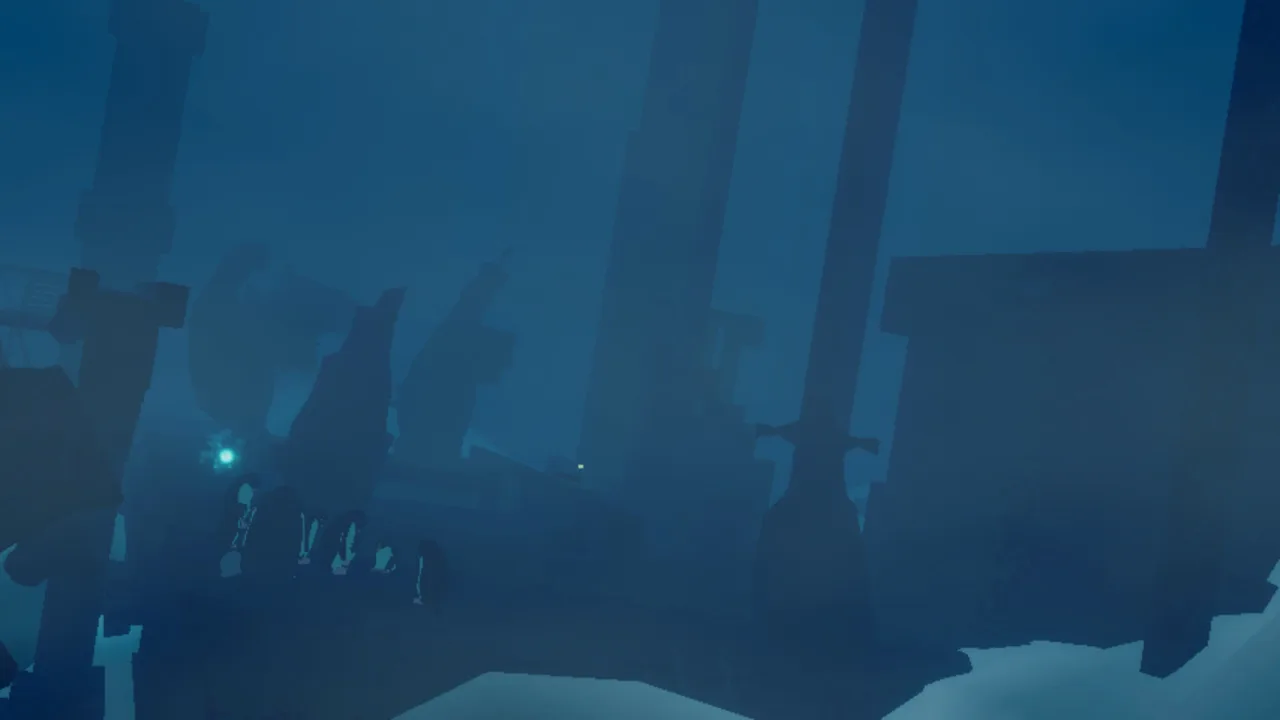
Is Penguin Colony Available on Steam?
The Penguin Colony Steam release sends a waddling penguin into an Antarctic nightmare. Available following its October 16 launch, this story-driven horror game puts you close to an expedition unraveling around something buried beneath the ice. Before you buy, the Penguin Colony Steam essentials include its short campaign, Deluxe Edition extras, launch bundles, and a few settings worth checking before you start.
Developed by ORIGAME DIGITAL and published by Fellow Traveller, Penguin Colony combines penguin movement with cosmic horror. You slide, swim, and waddle through frozen environments while human ambitions collide with forces beyond their understanding.
Here are the release details that matter when planning your playthrough:
| Detail | Penguin Colony on Steam |
|---|---|
| Release date | October 16 |
| Announced launch time | 10 a.m. PT |
| Developer | ORIGAME DIGITAL |
| Publisher | Fellow Traveller |
| First-playthrough length | Approximately 2–4 hours, depending on exploration |
| Steam achievements | 16 |
| Demo save transfer | Supported |
If you remember an October 8 release date, that was the earlier schedule. The game moved to October 16 while final adjustments, localization work, and launch extras were being prepared.
The Penguin Colony Steam launch has now happened, so you can buy Penguin Colony on Steam and begin the full adventure. Check the purchase options before checking out, especially if you already own Umurangi Generation or 1000xRESIST.
What Does Penguin Colony Actually Play Like?
Penguin Colony builds its horror around a strange perspective: you are a penguin moving through events you cannot simply take control of. The Antarctic setting becomes a place to traverse and observe as a human expedition encounters something deeply wrong.
 Image: Steam / ORIGAME DIGITAL
The Penguin Colony Steam experience centers on movement, atmosphere, and storytelling. Its premise creates an immediate tension between the ordinary business of being a penguin and the disturbing things happening around you.
| Movement | How it fits the experience |
|---|---|
| Sliding | Travel through the frozen landscape on your belly |
| Swimming | Move through water during exploration |
| Waddling | Navigate on foot as the horror unfolds around you |
Those simple actions establish your relationship with the world. You can move through danger, but you cannot reshape the surrounding human catastrophe. That limited agency is central to the game's unsettling perspective.
The story involves a Nazi expedition searching Antarctica and a rival faction, the Kaitiaki, shaped by Māori cultural influences. Its cosmic horror sits alongside themes of colonialism and the consequences of human ambition.
The horror draws on Lovecraft, The Thing, and Siren. Expect the Antarctic mystery to carry substantial weight: strange events, an isolated landscape, and the feeling that something beneath the surface exceeds human understanding.
How much time should you set aside?
Allow approximately 2–4 hours for a first playthrough, with exploration affecting the total. That estimate gives you a practical starting point when deciding whether to play across several sessions or reserve a longer stretch.
Leave room for looking around rather than treating two hours as a completion target. Exploration is the variable in that estimate, so a more curious route can change the pace considerably.
Also check the content warnings before starting. Penguin Colony includes blood, gore, sudden violent deaths, self-harm, suicide, and Nazi imagery. Its penguin protagonist shares the screen with explicitly disturbing material.
Penguin Colony Steam Editions and Launch Bundles
The main purchasing decision is whether you want the game alone, its audio and commentary extras, or a bundle containing another game.
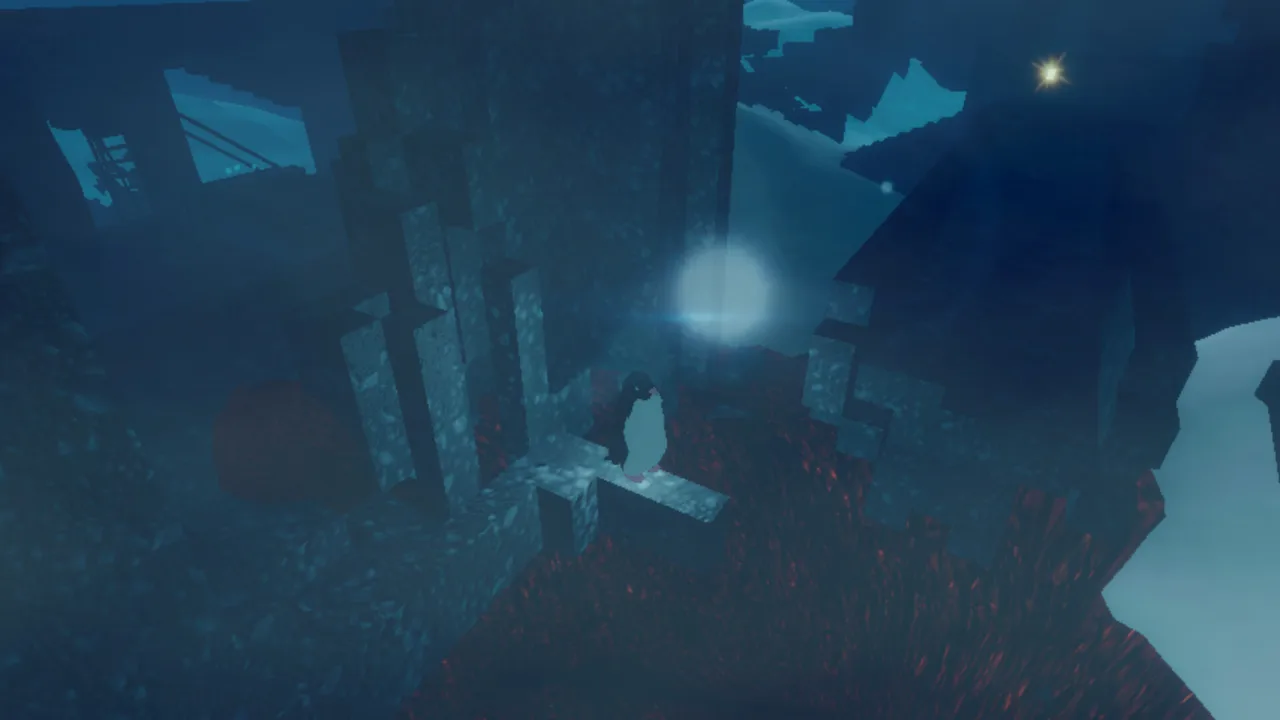 Image: Steam / ORIGAME DIGITAL
The Deluxe Edition includes the soundtrack and Director’s Commentary. The soundtrack features music from David Mason, KOMMI, and Rachel Khan, while the commentary contains more than 2.5 hours of discussion from director Naphtali Faulkner.
| Purchase option | Included content | Launch offer details |
|---|---|---|
| Main game | Penguin Colony | Standalone game purchase |
| Deluxe Edition | Game, soundtrack, and Director’s Commentary | Extras bundled at a discount |
| Tenebris Somnia bundle | Penguin Colony and Tenebris Somnia | Additional 20% launch bundle discount |
| 1000xRESIST bundle | Penguin Colony and 1000xRESIST | Additional 10% launch bundle discount |
| Umurangi Generation bundle | Penguin Colony and Umurangi Generation | Additional 10% launch bundle discount |
These percentages describe the launch offers. Check the amount shown at checkout before paying, particularly for a limited-time bundle.
What if you already own a bundle partner?
The launch offers for 1000xRESIST and Umurangi Generation included a 10% discount on Penguin Colony for existing owners of the corresponding game.
Open the relevant bundle while signed into your Steam account so you can review the purchase offered to you:
- View the Penguin Colony and 1000xRESIST bundle
- View the Penguin Colony and Umurangi Generation bundle
- View the Penguin Colony and Tenebris Somnia bundle
Tenebris Somnia combines retro survival horror with live-action cutscenes. Umurangi Generation is ORIGAME DIGITAL’s photography game, while the 1000xRESIST pairing brings together two games focused on narrative and artistic expression.
What about the audiobook extra?
Lovecraft audiobooks were still upcoming after launch, with release planned for the following weeks. The launch-day Deluxe Edition contents were the soundtrack and Director’s Commentary.
Base your purchase on those available extras. You can review the Penguin Colony Deluxe Edition before choosing between the game alone and the expanded package.
The soundtrack is also available separately, so buying the main game does not close off that option later.
Before You Begin: Saves, Language, and Exploration
For your Penguin Colony Steam setup, start with the features that affect how comfortably you can play: save continuity, language, display resolution, and control prompts.
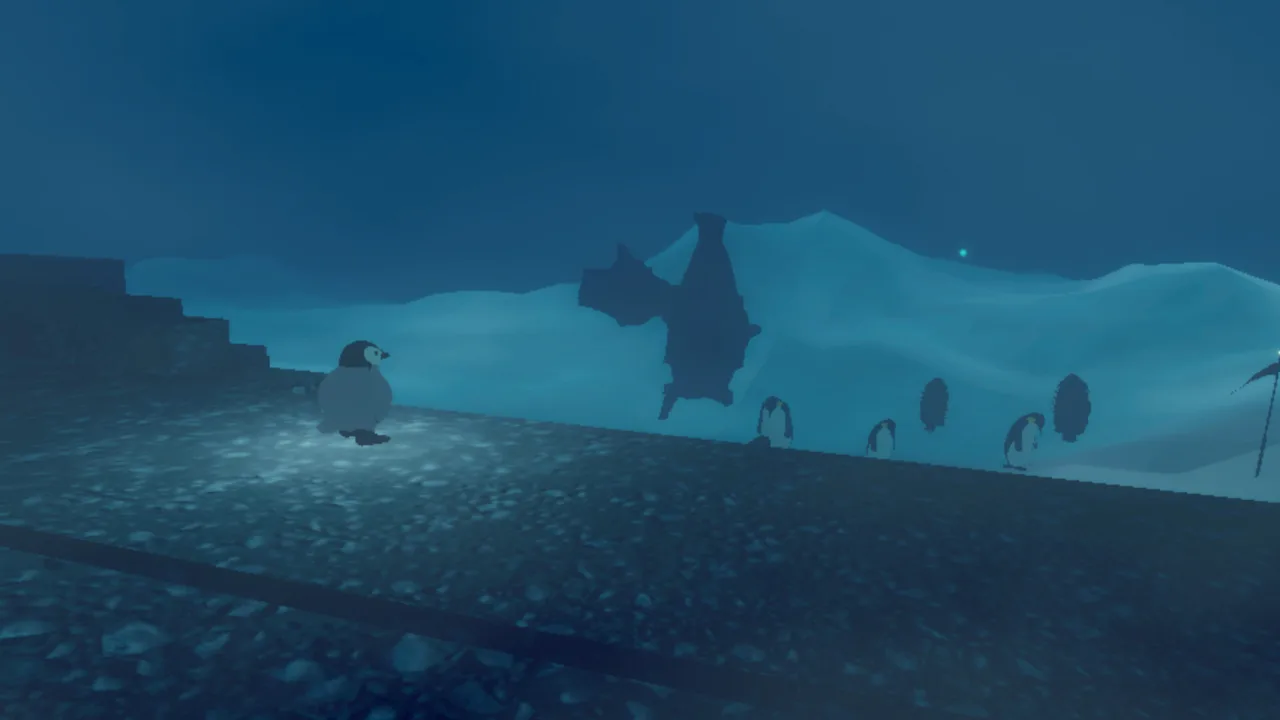 Image: Steam / ORIGAME DIGITAL
Bring your demo progress forward
Demo saves carry over into the full game. If you have already spent time exploring the opening, you can continue that progress when moving to the complete release.
The game also saves automatically when various actions occur. You do not need to manage manual save slots during normal play.
That makes the campaign practical to divide into shorter sessions. Keep the 2–4 hour estimate in mind, but let exploration determine where you spend your time.
Choose your language before settling in
Penguin Colony launched with these languages:
- English
- Japanese
- Simplified Chinese
- Brazilian Portuguese
- te reo Māori
- Arabic
Select your preferred language before getting absorbed in the narration and environmental details. Localization adjustments were still underway at launch, so include your selected language when describing a text or translation problem to support.
Check resolution before judging the image
At launch, the game did not automatically match its resolution to the monitor. Open the visual settings and select your monitor’s resolution manually.
Make that adjustment before spending time assessing the presentation. It addresses a specific launch issue and takes the guesswork out of whether the game is using your intended display resolution.
Keep achievement hunting separate from your initial pace
Penguin Colony has 16 Steam achievements. That gives completion-minded players another layer to consider beyond finishing the campaign.
You can approach the story without turning every moment into an achievement checklist. If you want to pursue completion, remember that the 2–4 hour estimate describes a first playthrough and changes with exploration; it is not a promised time for collecting everything.
Avoid assigning meanings to achievement names alone. An achievement title and its unlock percentage do not explain the action required to earn it.
Launch Issues and Practical Troubleshooting
The Penguin Colony Steam version launched with several known interface and localization issues. Start with the specific symptom you are seeing, then include enough detail for support to identify it.
| Launch issue | What to do |
|---|---|
| Resolution does not automatically match the monitor | Select the monitor’s resolution manually in visual settings |
| Controller and keyboard layouts appear together in the pause menu | Include the overlapping layouts in your bug report |
| Localization needs further adjustments | Identify the language and the affected text |
| Mouse cursor remains visible in startup menus | Include the affected menu when reporting the issue |
These were the identified launch issues. Reports involving build v1.5 also included crashes, terrain problems, a cutscene interruption, and a stamina indicator remaining visible.
Keep that version context attached to those problems. A launch report describes a particular build rather than every future update.
Include the build number in a bug report
Find your build number at the bottom left of the main menu. Include it alongside a clear description of what happened.
Useful details include:
- The area or scene where the problem occurred.
- Whether you were using a controller or keyboard and mouse.
- What you were doing immediately beforehand.
- A screenshot or recording showing the problem.
For support requests, the Windows save folder is:
%USERPROFILE%/AppData/LocalLow/ORIGAME DIGITAL/Penguin Colony
You can send a zipped copy of that folder with the report to support@fellowtraveller.games. The build number, description, and save folder give support concrete information to investigate.
Skip the opening credits when returning
The opening credit scene can be skipped with Space on a keyboard or the controller’s A, bottom-position button.
Try those controls when returning to the game instead of assuming the entire opening must play again. This matters especially when you are restarting after an interruption and want to get back to your session.
Before your next attempt, check the resolution setting and note your build number. Those two small steps address one known display issue and make any further troubleshooting more precise.
FAQ
When did the Penguin Colony Steam release happen?
Penguin Colony launched on Steam on October 16, with an announced release time of 10 a.m. PT. Its earlier October 8 release date was replaced by the October 16 schedule.
How long does Penguin Colony take to finish?
A first playthrough takes approximately 2–4 hours, depending on how you approach exploration. Use that range to plan your sessions rather than treating it as a completionist estimate.
Does Penguin Colony carry over demo saves?
Yes. Demo save files carry over into the full game. Penguin Colony also uses automatic saving during play, so you do not need to manage manual saves.
What comes with the Deluxe Edition?
The Deluxe Edition contains the main game, soundtrack, and more than 2.5 hours of Director’s Commentary from Naphtali Faulkner. The soundtrack is also sold separately on Steam.
Continue with
 Penguin Colony Trailer: Launch Date and Horror GuideWatch the Penguin Colony trailer, explore its cosmic horror themes, compare showcase trailers, and catch up on the Steam release and Deluxe Edition extras.
More in Release

Penguin Colony Age Rating: A Parent's Content Guide
Penguin Colony age rating guide for parents and players: explore blood, gore, self-harm, suicide, Nazi imagery, and the horror behind its cute penguins.
Penguin Colony Demo: Steam Access and Save Transfer
Explore the Penguin Colony demo on Steam, learn how saves carry over, and get ready for Antarctic cosmic horror with release details and practical tips.

Penguin Colony Price: Editions and Steam Bundle Deals
Compare Penguin Colony price options, Deluxe Edition extras, and Steam launch bundles. Check the discounts and what you get before choosing your edition.

Penguin Colony Release Date: Launch Time and Editions
Penguin Colony release date details, launch times, Deluxe Edition extras, demo save transfers, and day-one issues. Plan your Antarctic horror adventure.
Join the community
Official channels for news, updates and player help: