
Penguin Colony Cloud Saves: Autosaves and PC Backups
Penguin Colony cloud saves work with Steam Cloud. Learn how autosaves, demo progress, local save backups, and launch-version crash reports fit together.
Jump to

Does Penguin Colony Support Cloud Saves?
Penguin Colony cloud saves are supported through Steam Cloud on PC. That matters when you’re settling into an Antarctic mystery and want to keep your progress safe between sessions. Penguin Colony cloud saves work alongside an automatic saving system that records progress when various actions occur.
The useful distinction is between saving your progress inside the game and using a platform’s cloud save feature. Penguin Colony handles the first through autosaves, while the Steam version includes Steam Cloud support.
Here are the key details for managing your playthrough:
| Save feature | Penguin Colony details |
|---|---|
| Steam cloud support | Steam Cloud |
| In-game saving | Automatic saves triggered by various actions |
| Demo progress | Carries into the full game |
| Windows save folder | Located under your user profile’s AppData directory |
| Support attachments | A zipped copy of the save folder helps with troubleshooting |
You don’t need to manage saves during normal play. The game takes care of recording progress as you explore, follow the human expeditions, and experience its story.
For Penguin Colony cloud saves, keep that convenience separate from troubleshooting. If something goes wrong, the local save folder gives you something concrete to preserve and send to support. Knowing its location is especially useful after a crash, when the state of the folder can help explain what happened.
You can get the PC version through the Penguin Colony Steam page.
How Autosaves and Demo Progress Work
Penguin Colony saves automatically when various actions occur. You can focus on exploring rather than organizing save files throughout the adventure.
 Image: Steam / ORIGAME DIGITAL
That suits a game built around curiosity. You inhabit penguins moving through an Antarctic landscape while rival human factions pursue an ancient presence. Following those expeditions and investigating the environment are central to the experience, so your attention can stay on the unfolding mystery.
A first playthrough takes approximately two to four hours, depending on how much you explore. Leave room for that exploration when planning a session: the game’s length depends partly on how you approach its spaces.
Penguin Colony cloud saves and autosaves address different parts of keeping your progress. Autosaving is the in-game process that records it. Steam Cloud is the Steam version’s cloud save feature. When describing a problem to support, explain whether you encountered a crash, resumed at an earlier point, or had trouble continuing a scene. Those details are more useful than calling every progress issue a cloud problem.
Does the demo save carry over?
Yes. Your Penguin Colony demo save carries into the full game.
If you started with the demo, that progress can be part of your full-game playthrough. Keep the existing save folder intact, particularly if you’re also investigating a launch issue or preparing a support request.
For a troubleshooting report involving demo progress, mention that you began in the demo and describe what happened after moving to the full game. Include the current build number and the save folder so support has the relevant context.
The practical takeaway is straightforward: automatic saving handles normal play, and demo progress carries forward. Keep a separate backup when you need to preserve a specific local save state for troubleshooting.
Penguin Colony Save File Location and Backups
The Windows save folder is:
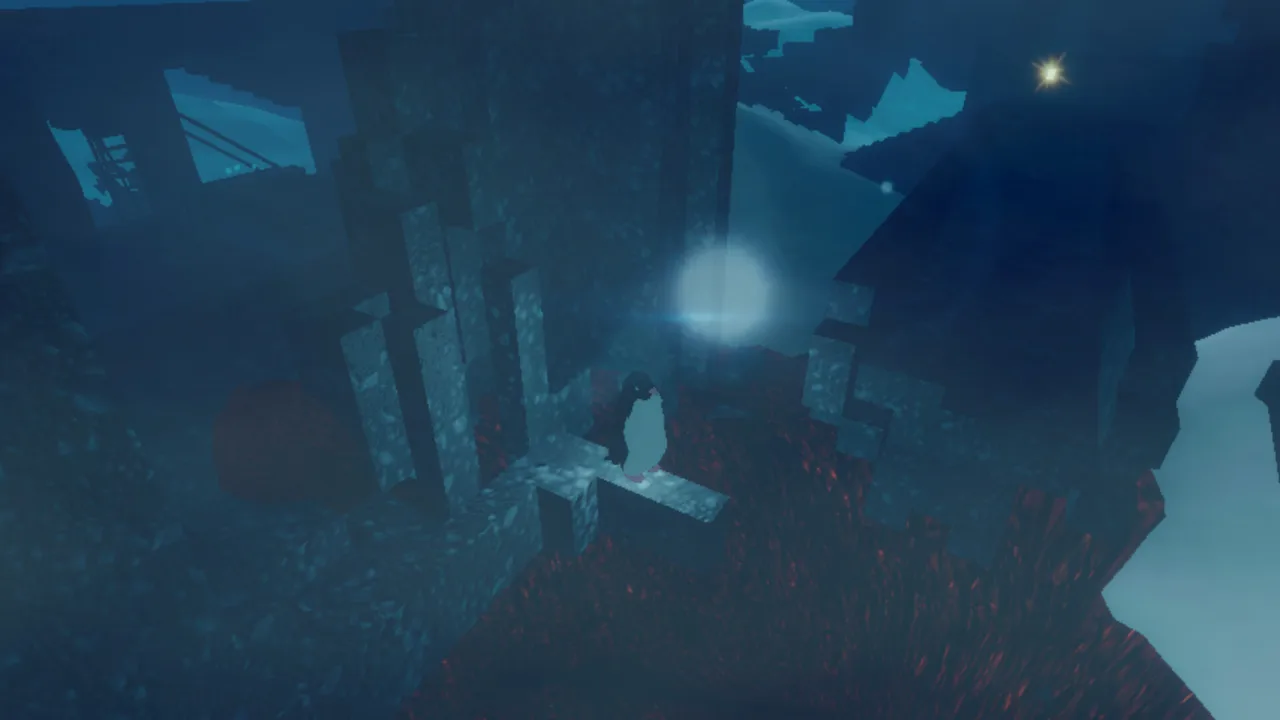 Image: Steam / ORIGAME DIGITAL
| Platform | Save folder |
|---|---|
| Windows | %USERPROFILE%/AppData/LocalLow/ORIGAME DIGITAL/Penguin Colony |
The %USERPROFILE% portion refers to your Windows user profile. The rest of the path leads into AppData, then LocalLow, followed by the developer and game folders.
Preserve the whole Penguin Colony folder when preparing a backup or support attachment. The support workflow uses a zipped copy of that folder, which keeps the relevant files together.
For a personal backup, keep a separate copy with a recognizable date in its name. Leave the original folder in place, and avoid replacing your only backup while you’re still investigating a problem. A clearly labeled archive makes it easier to distinguish the save state you wanted to preserve from later copies.
Penguin Colony cloud saves provide platform convenience, while a local archive gives you a specific copy you can retain for troubleshooting. Keep those roles clear when organizing your files.
Backing up after a crash
After a crash, preserve the folder before relaunching the game whenever possible. That timing is particularly helpful for troubleshooting because it retains the files immediately following the problem.
Keep a short note alongside your backup describing the area, the scene, and what happened. For example, explain whether the game closed unexpectedly or whether a scene stopped progressing. Use your own experience rather than trying to match someone else’s symptoms.
Avoid making experimental changes to the original folder while preparing a report. Send a copy of the existing files, and describe any troubleshooting you already attempted.
For restoration help during an unresolved save problem, keep the current folder and your backup available for support. Preserving both gives you more useful material than repeatedly replacing files while trying to reproduce the issue.
What to Do After a Crash or Lost Progress
A crash followed by lost progress deserves a clear report, especially during the launch version. Focus on what happened immediately before the interruption and where the game placed you when you continued.
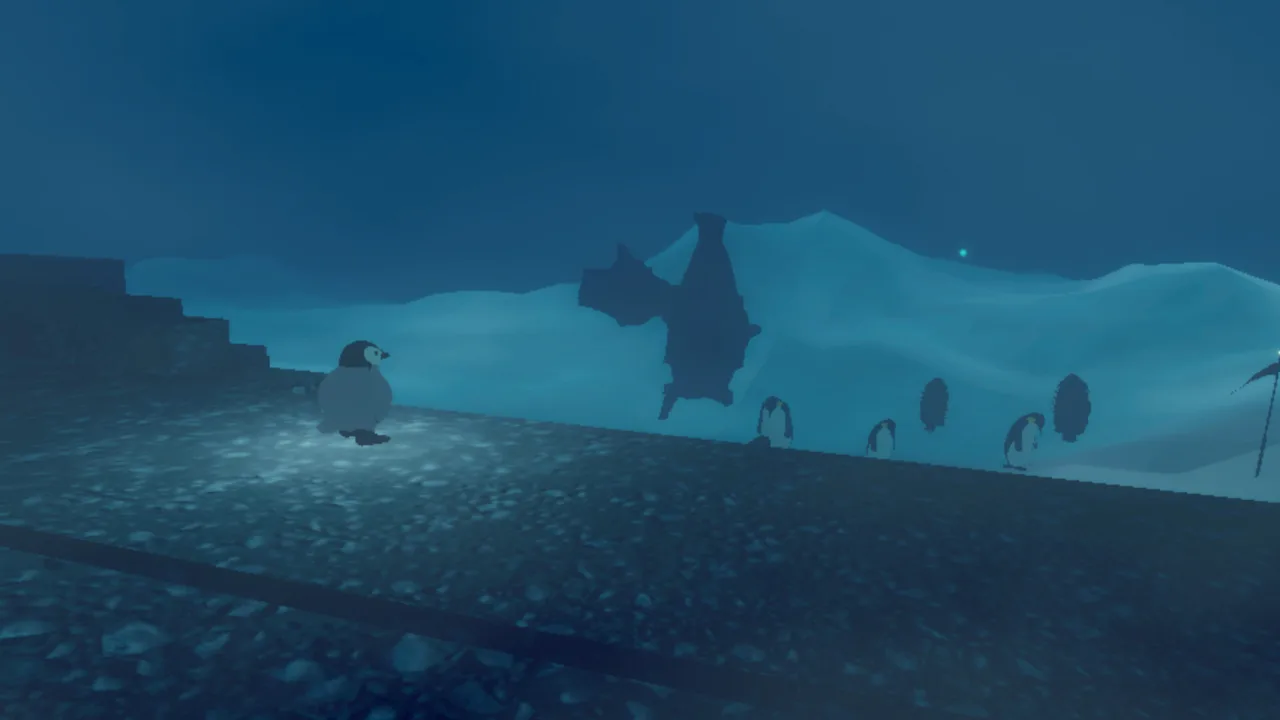 Image: Steam / ORIGAME DIGITAL
Penguin Colony cloud saves are one part of the save setup, but a report should describe the actual symptom. “The game crashed in Act 2” and “the game resumed earlier than expected” communicate different details. Include both if both happened.
In version 1.5, an “Apotheosis” cutscene issue could leave the game in an abnormal state after the scene stalled and was skipped. Reloading from the main menu resolved that particular reported instance. If your problem matches that sequence, try returning through the main menu, then record whether you can continue.
For version 1.5 crashes around the Act 2 Outskirts area, preserve the save folder and describe the location carefully. Note whether repeated crashes happen at the same spot. That distinction helps explain whether the interruption follows a specific event or occurs at different points.
Put together a useful support request
Send save-related troubleshooting information to support@fellowtraveller.games. Include a zipped copy of the save folder and enough detail to explain the interruption.
| Detail to include | What to provide |
|---|---|
| Build number | The number at the bottom left of the main menu |
| What happened | A clear description of the crash, stalled scene, or progress problem |
| Location | The act, area, or scene where the issue occurred |
| Supporting documentation | Screenshots or a video showing the problem |
| Save folder | A zipped copy of the Penguin Colony folder |
| Timing | Preserve the folder immediately after a crash, before relaunching when possible |
Write the report in the order the problem happened. Start with where you were, explain the interruption, and finish with what happened when you tried to continue.
For example, describe entering an area, encountering a crash, and then returning to an earlier point after relaunching. Add the build number separately so it is easy to find.
If you already relaunched before making the archive, still send the save folder and explain that timing. The folder remains useful for investigation. Keep the original archive until the support conversation is finished so you can refer back to the same files.
Steam, GOG, and Platform Details
Penguin Colony launched on PC on October 16, 2026. Steam and GOG offer the Windows version, while the Nintendo Switch 2 release date is TBA.
For Penguin Colony cloud saves on Steam, Steam Cloud is the relevant platform feature. On GOG, you also have the option of installing and playing without GOG Galaxy.
| Version or platform | Release timing | Relevant details |
|---|---|---|
| Steam PC version | October 16, 2026 | Windows version with Steam Cloud |
| GOG PC version | October 16, 2026 | DRM-free Windows version with an offline installer option |
| Nintendo Switch 2 | TBA | A separate platform release |
The GOG version can be played offline without activation or an online connection. GOG Galaxy is optional, so you can use the offline installer if that is how you prefer to manage your PC games.
You can purchase that edition through the Penguin Colony GOG page.
When asking for help, name the storefront you use and describe how you launch the game. Pair that information with the build number and save folder. This keeps the report focused on your installation rather than mixing together different platform setups.
The PC version supports full controllers, including DualShock and DualSense controllers, and offers a keyboard-only option. If a problem involves controls as well as progression, include your input device in the description. Version 1.5 had control-prompt issues, so describing what appeared on screen can help distinguish an input problem from a scene that stopped advancing.
Keep your save management simple: let autosaves handle ordinary play, preserve the local folder when troubleshooting, and retain a dated copy of any archive you send to support.
FAQ
Does Penguin Colony support cloud saves on Steam?
Yes. Penguin Colony cloud saves are supported through Steam Cloud. The game also uses automatic saving during play, with saves triggered by various actions.
Does Penguin Colony demo progress transfer to the full game?
Yes. Your demo save carries into the full game. Keep the existing save folder intact, and mention your demo progress if you need help with a problem after moving to the full version.
Where are Penguin Colony save files on Windows?
The save folder is %USERPROFILE%/AppData/LocalLow/ORIGAME DIGITAL/Penguin Colony. Preserve the entire folder when making a backup or preparing a zipped attachment for support.
What should I send support after a crash?
Include the build number, a description of what happened, screenshots or video when useful, and a zipped copy of the save folder. Preserve the folder immediately after the crash, before relaunching when possible, and send the report to support@fellowtraveller.games.
Continue with
 Penguin Colony Steam Deck: Verified Status and SetupPenguin Colony Steam Deck guide covering Verified compatibility, default settings, controller tips, known launch bugs, and what to check before you play.
More in Platforms
See all PlatformsPopular pages

Penguin Colony Beginner Guide: Tips for Your First Run
Use this Penguin Colony beginner guide to learn movement, penguin abilities, exploration, autosaves, and launch fixes before heading into Antarctic horror.

Penguin Colony Release Date: Launch Time and Editions
Penguin Colony release date details, launch times, Deluxe Edition extras, demo save transfers, and day-one issues. Plan your Antarctic horror adventure.

Penguin Colony Age Rating: A Parent's Content Guide
Penguin Colony age rating guide for parents and players: explore blood, gore, self-harm, suicide, Nazi imagery, and the horror behind its cute penguins.
Penguin Colony Disco Elysium: The Narrator Connection
Explore the Penguin Colony Disco Elysium connection, meet narrator Lenval Brown, and learn what to expect from its Antarctic horror, gameplay, and extras.
Join the community
Official channels for news, updates and player help: